
Live Event Streaming Platform for Branded Online Events
Launch your own live event streaming platform for conferences, shows, concerts, private broadcasts, and online events. Build the experience around your brand with live video, access controls, paid event options, admin tools, and custom development based on your event format.
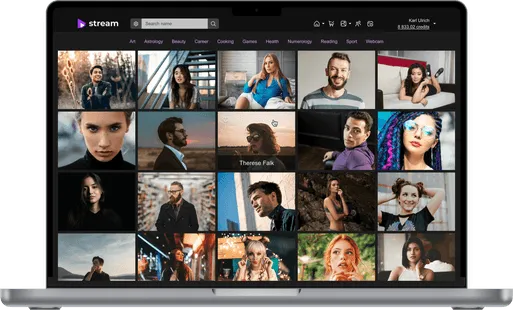
Why build a branded platform for live events?
Third-party streaming services can help you go live, but they give you limited control over branding, access, monetization, and the audience journey. Your own event streaming platform lets you build the entire experience around your business.

Own the event experience
Keep viewers inside your branded environment from registration and access to the live broadcast and post-event content.

Run public or private events
Build different access scenarios for open broadcasts, invite-only events, customer communities, internal audiences, or prepaid sessions.

Create a reusable event platform
Instead of setting up a new third-party solution for every event, build an infrastructure you can use for recurring conferences, shows, broadcasts, and branded live experiences.
Live event streaming for conferences, shows and private events


What a live event streaming platform should include
Scrile Stream provides a ready-made live video foundation that can be configured and extended around your event format, audience, access model, and business requirements.
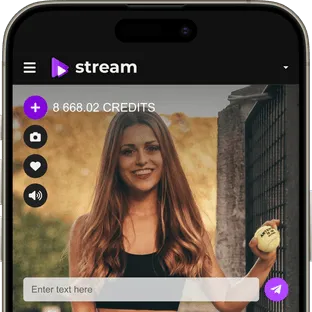
Low-latency live video
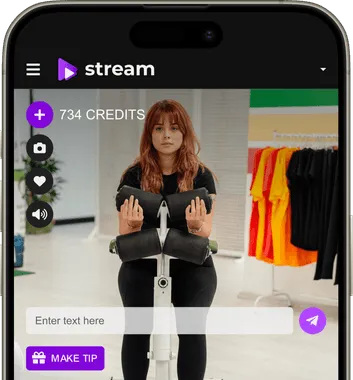
Deliver real-time HD broadcasts with low latency for events where audience engagement and immediate interaction matter.
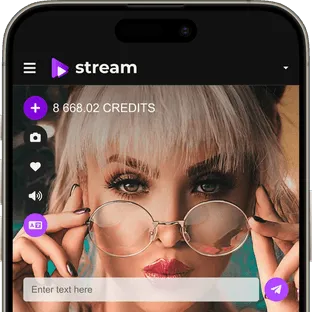
Professional broadcast workflows
Use browser-based streaming or configure professional broadcasting workflows for events that require external production software and RTMP-based ingest.
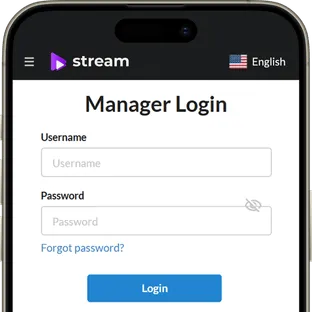
Public and private access
Create open broadcasts or limit access based on user accounts, event permissions, paid entry, or project-specific access rules.
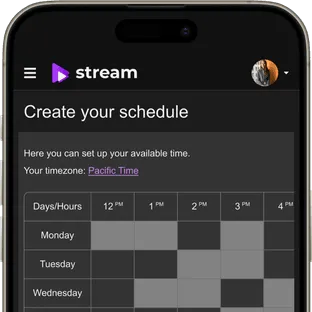
Scheduled events
Create events in advance and give viewers access when the broadcast starts. Ticketed scheduled events can also be configured for prepaid entry.
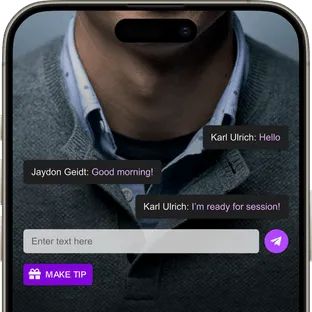
Live chat and audience interaction
Add real-time communication around the broadcast using the interaction tools available in Scrile Stream and extend the experience with custom features when your event concept requires them.
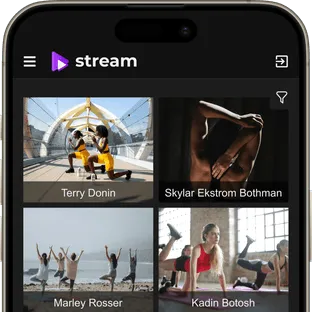
Mobile and desktop access
Give viewers convenient access to live events across modern desktop and mobile devices without tying your business to a third-party streaming marketplace.
White-label branding and access control for live events
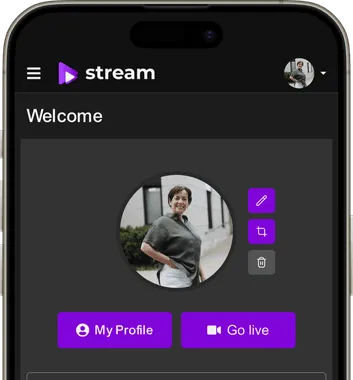
Your event should look like your product, not somebody else's streaming service. Scrile Stream lets you build the platform around your own brand and extend the user journey to match your event model.
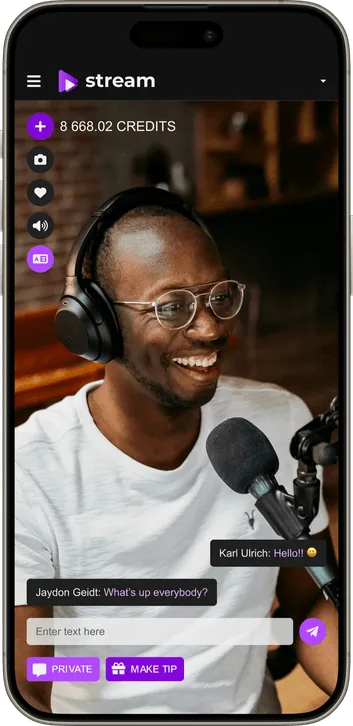


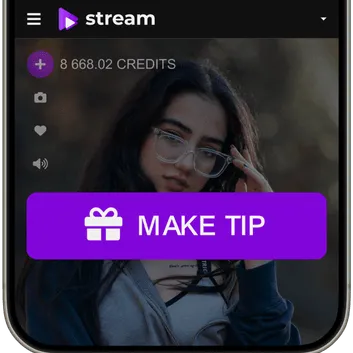
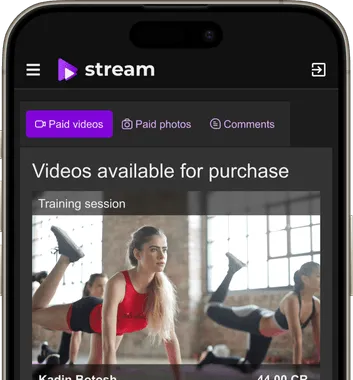
Monetization options for a live event streaming platform
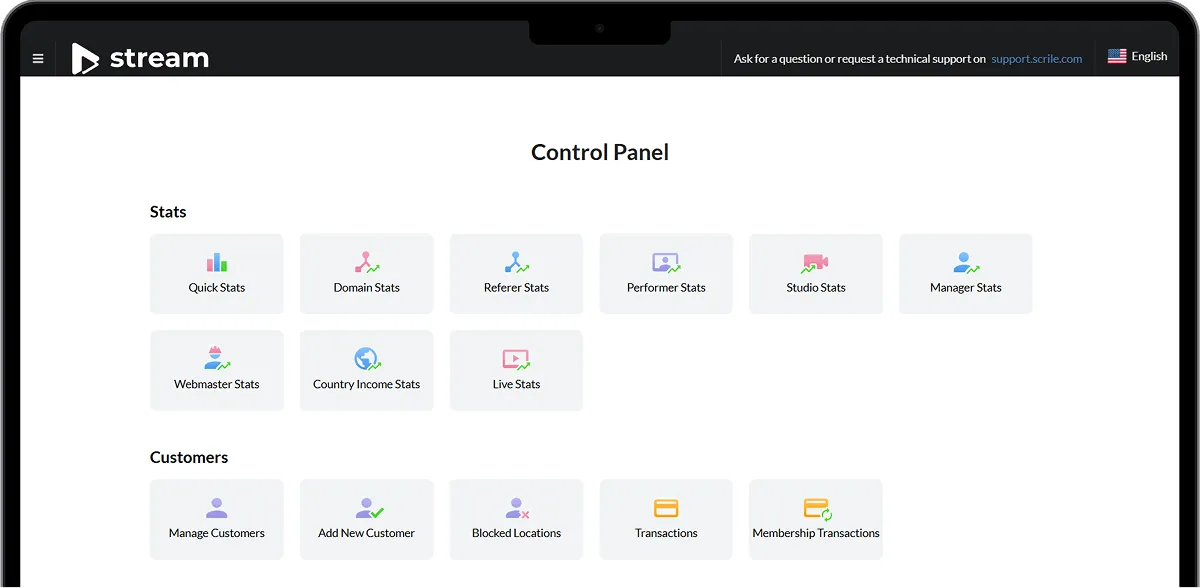
Manage your live event platform from one admin dashboard
Control users, event access, payments, streaming settings, platform configuration, and performance data from the Scrile Stream backend.

Manage users and access
Control user accounts, permissions, paid access, event participants, and platform-level settings.

Configure streaming settings
Manage the technical and operational settings behind your live video experience from the platform backend.

Track transactions and activity
Review transactions, user activity, platform statistics, and other available operational data.

Extend analytics for your event model
If you need event-specific dashboards, conversion metrics, attendance reporting, or integrations with external analytics tools, they can be included in the custom development scope.
Scale your live event streaming platform with Scrile Stream
Start with a proven live video foundation and customize the platform as your event program, audience, and technical requirements grow.
Custom development
Add event-specific access flows, integrations, dashboards, roles, user journeys, or other functionality required by your business model.


UX/UI and platform design
Create a branded event experience that matches your company, venue, media project, or event series.

Hosting support
Plan hosting and platform infrastructure around your expected audience, streaming requirements, and future traffic growth.

Dedicated project management
Work with a project manager who helps coordinate requirements, customization, testing, launch, and further platform development.

How to launch a live event streaming platform with Scrile Stream
Start with your event format and audience requirements, then configure the platform around the experience you want to deliver.
- 01
Discovery
Define event formats, expected audiences, access scenarios, monetization, branding, integrations, and technical requirements.
- 02
Setup and customization
Configure Scrile Stream, prepare the branded interface, set access logic, and develop project-specific functionality where needed.
- 03
Testing
Test broadcasting, viewer access, payments, event flows, devices, and the expected load before going live.
- 04
Launch and development
Launch your first events, review platform performance, and expand the product with additional workflows, integrations, analytics, or monetization features.
Why build your event streaming platform with Scrile Stream?
Scrile Stream combines ready-made live streaming technology with white-label customization and development services, so you can launch faster without locking your event business into a generic third-party platform.

Proven live video foundation
Start with existing live streaming, user management, payments, admin controls, and event functionality instead of developing the entire technology stack from scratch.

Professional streaming options
Support interactive browser-based video and professional RTMP broadcasting workflows based on the needs of your event production.

Full brand ownership
Build the platform around your domain, interface, brand identity, audience, and business model.
Custom development when you need it
Extend the standard platform with event-specific functionality, integrations, roles, workflows, or analytics as your requirements evolve.

Frequently asked questions about Scrile Stream
We have put together some commonly asked questions
What types of events can I stream with Scrile Stream?

Can I run private live events?
Can I use professional streaming software such as OBS?
Can Scrile customize the platform for my event business?
Can I launch the platform under my own brand?
Can viewers pay for access before an event?
Can the platform support event-specific roles and registration flows?